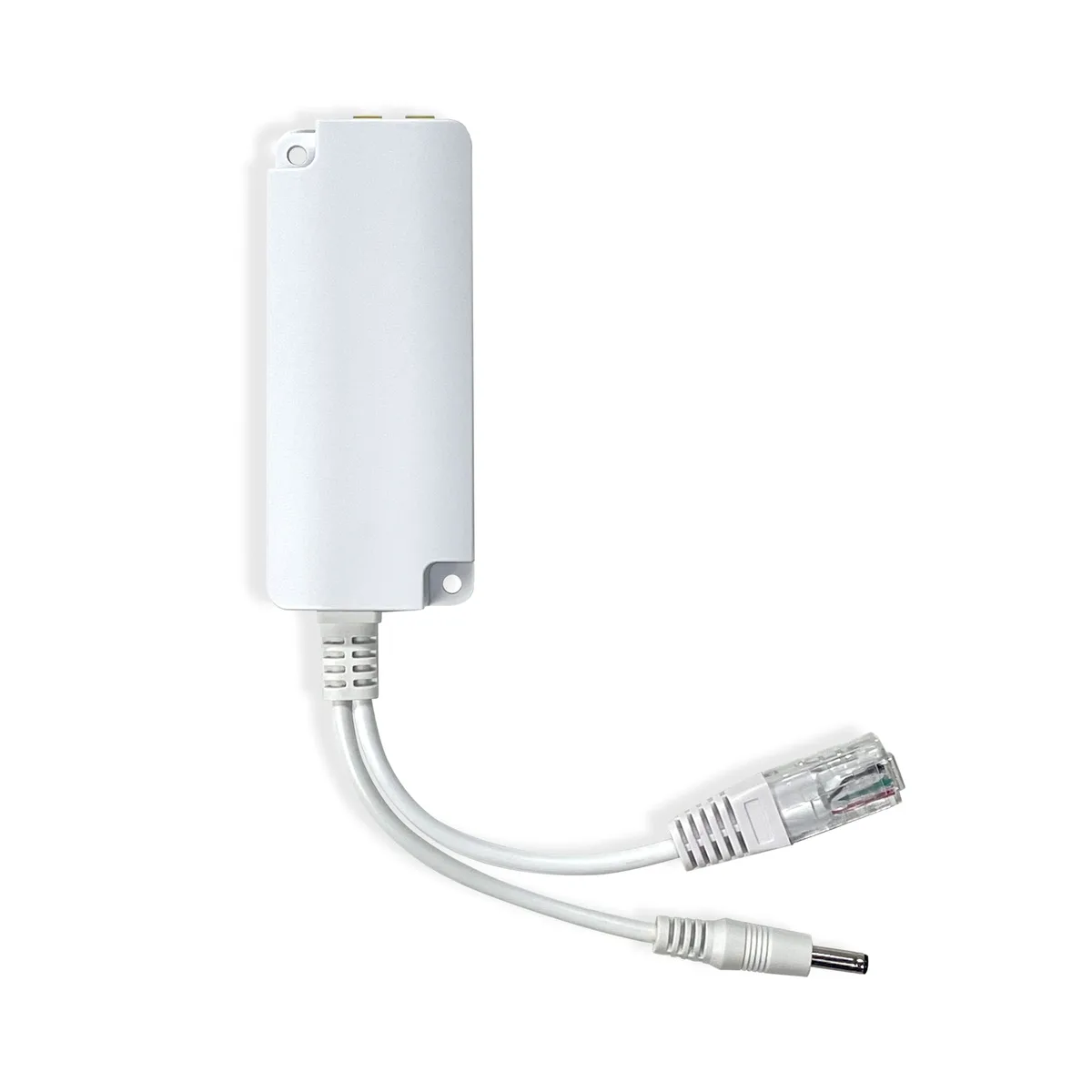


Quick answer
This guide answers: what weather station or gateway should I buy if I specifically want Ethernet connectivity?
Cluster overview: Smart Weather. For LAN readings in general (often over Wi‑Fi), see local data. For Home Assistant product picks, see the Home Assistant guide.
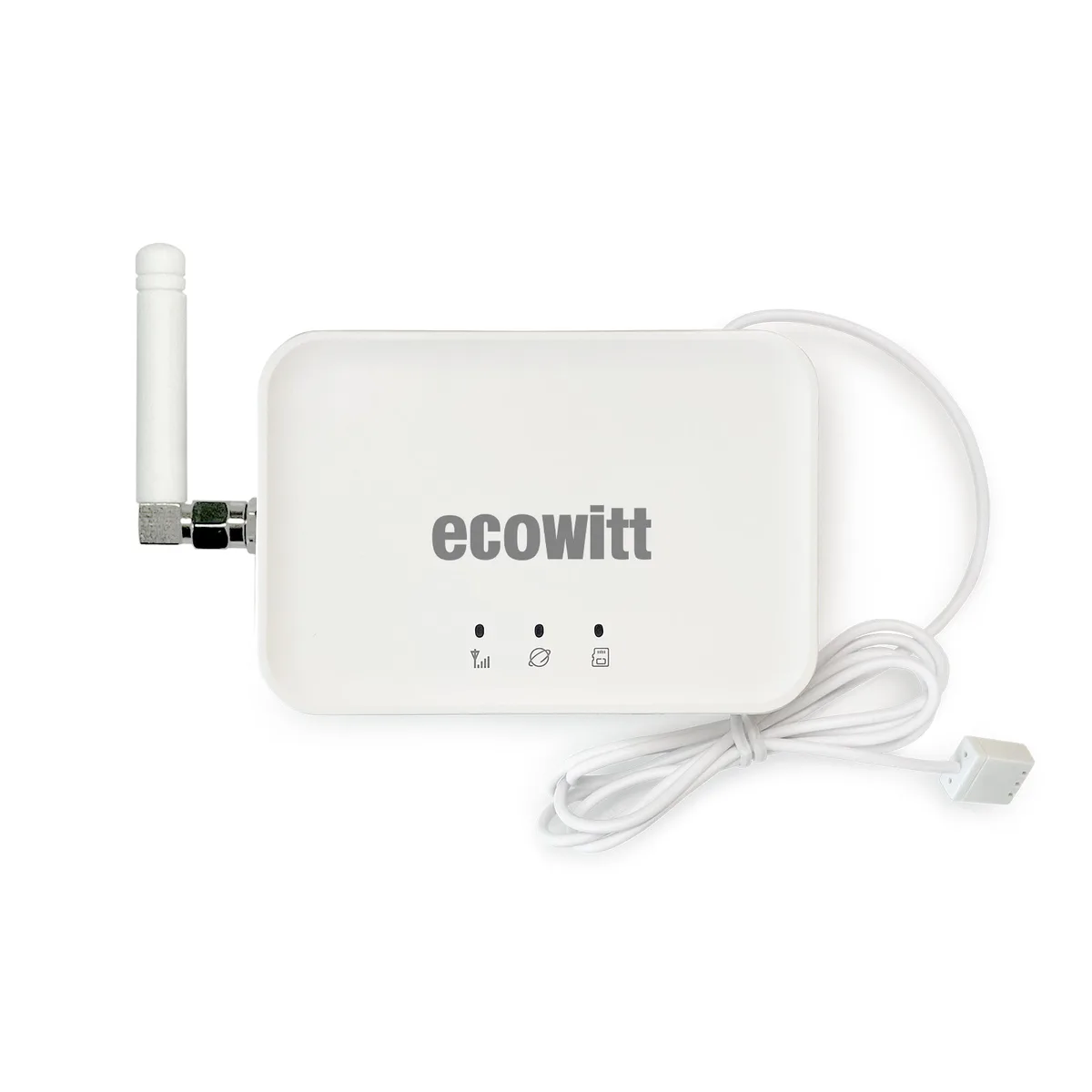
Best overall Ethernet gateway: Ecowitt GW3000 — Wi‑Fi + Ethernet, gateway-only, strong expansion and local storage options.
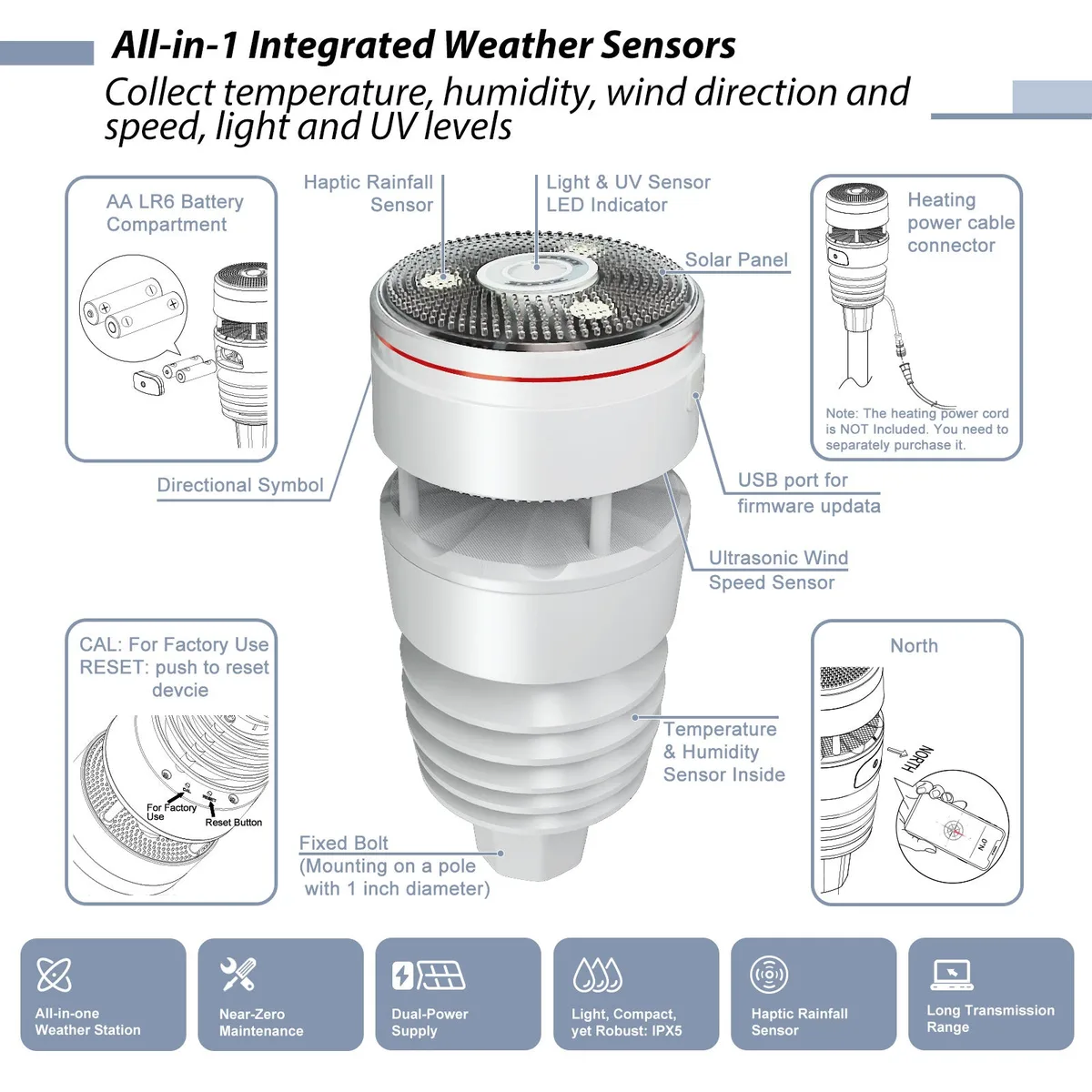
Best Ethernet option with included weather sensor: Ecowitt GW2001 — GW2000 gateway (Ethernet + Wi‑Fi) bundled with the WS90 outdoor array.
Best expandable Ethernet setup: GW3000 + sensors you choose (e.g. WS90), or GW2000 inside GW2001 if you want a complete kit first. Compare: GW2000 vs GW3000.
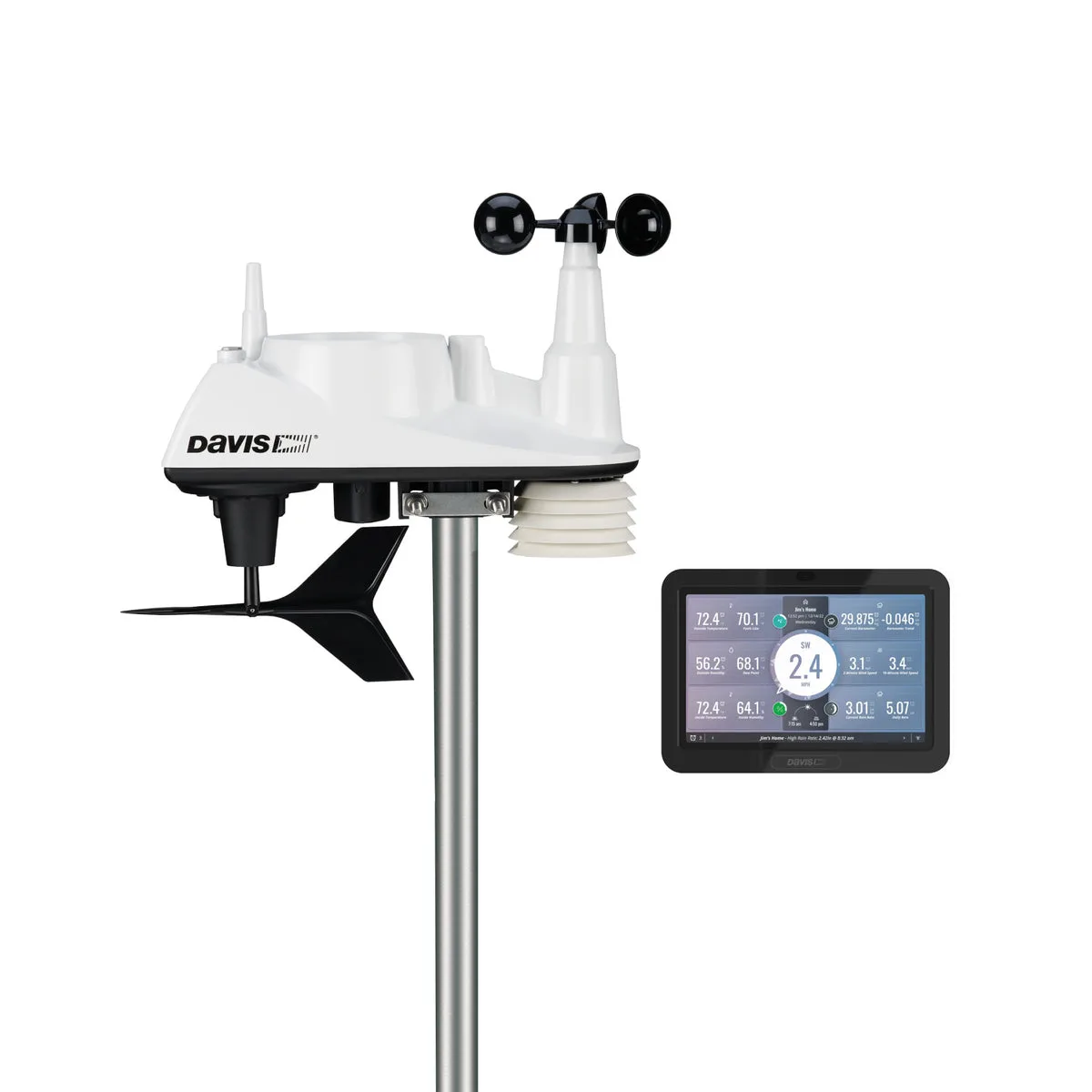
Best premium ecosystem option: Davis Vantage Vue 6242 outdoor kit plus WeatherLink Live when you need Davis’s documented Wi‑Fi/Ethernet bridge — Ethernet belongs to WLL, not the WeatherLink Console itself.
Best local option if Ethernet is not mandatory: Tempest — included Wi‑Fi Hub with local UDP/WebSocket; not an Ethernet-first product.
Also: without subscription.
Who this guide is for
- Your hub will live in a garage, utility room, network rack, or outbuilding with weak or crowded Wi‑Fi.
- You want a fixed, always-on weather gateway on a wired LAN drop.
- You already know you need RJ45 / Ethernet — not just “local data” or “works with Home Assistant.”
Why prefer Ethernet
Weather gateways are always-on network devices. Buyers choose Ethernet when they want:
- A more stable link than mesh Wi‑Fi handoffs and neighbor interference
- Less dependence on Wi‑Fi coverage at the install spot
- A practical fit for fixed installs next to a switch, NAS, or smart-home server
- Fewer dropouts for local dashboards, logging, or smart-home hubs that talk to a fixed IP
Ethernet does not replace good outdoor sensor RF placement — the outdoor array still needs a clear path to the gateway.
Ethernet is not local data
Ethernet is the network transport (wired LAN to the hub).
Local data means your software can read weather values on your network without depending completely on a vendor cloud.
Some stations support strong local data over Wi‑Fi alone (for example Tempest, or Ecowitt on Wi‑Fi). Ethernet can make that path more reliable, but it is not the same requirement. If you only care about local access, start with the Local Data guide.
Home Assistant note: Ethernet can stabilize a local HA setup, but Ethernet alone does not guarantee HA compatibility — see the Home Assistant guide.
Ethernet options compared
| Product / Setup | Ethernet | Wi‑Fi | Gateway included? | Sensors included? | Local data | Setup difficulty | Best for |
|---|---|---|---|---|---|---|---|
| GW2001 (GW2000 + WS90) | Yes (GW2000) | Yes | Yes | Yes (WS90) | Via gateway | Easier | Wired kit from scratch |
| GW3000 | Yes | Yes | Gateway itself | No | Via gateway | Intermediate | Expandable wired hub |
| WS90 alone | No | No | No | Sensor only | Via gateway | — | Pair with Ethernet gateway |
| Davis Vue 6242 + WeatherLink Live | Yes on WLL | Yes (WLL + console Wi‑Fi) | Console in 6242; WLL separate | ISS in 6242 | Mixed / advanced | Intermediate–advanced | Premium Davis + wired bridge |
| Ambient WS-5000 | No (standard console) | Yes | Console included | Yes | Cloud-first; Custom Server advanced | Easy cloud / advanced local | Not an Ethernet buy |
| Tempest | No / not documented on retail hub | Yes | Hub included | Yes | Yes (UDP / WebSocket) | Easier–intermediate | Local Wi‑Fi, not Ethernet |
Ecowitt GW2000 and GW3000
GW2000 (and GW2001 bundle)
The GW2000 is a Wi‑Fi + Ethernet Ecowitt gateway and the local-data hub for outdoor sensors. In the GW2001 commercial bundle it ships with the WS90 array — the usual buyer path when you want Ethernet and an outdoor station in one purchase.
GW3000
The GW3000 is gateway-only: Wi‑Fi + Ethernet, microSD local logging options, larger expansion capacity. Outdoor sensors are sold separately.
WS90 reminder
The WS90 itself has no Ethernet (and no Wi‑Fi). Wired LAN comes from the gateway.
MQTT is not a native Ethernet buying criterion for these gateways. Hub comparison: GW2000 vs GW3000.
Install tip: Pull Ethernet to the gateway location first; keep the RF path to outdoor sensors clear even when the hub is wired.
Davis WeatherLink Live
For Davis, documented Ethernet belongs to WeatherLink Live (Wi‑Fi/Ethernet IP bridge), not to the Vantage Vue 6242 WeatherLink Console itself. The 6242 kit includes the modern console (Wi‑Fi to WeatherLink Cloud for typical remote viewing). Plan on WLL as a separate piece when you specifically need Davis on a wired LAN or certain local UDP workflows. Verify current Davis documentation for your integration.
What is not an Ethernet choice
Ambient
Ambient WS-5000 (and WS-2902) standard consoles are Wi‑Fi. Ethernet is not documented on the standard WS-5000 console — there is no “model dependent Ethernet” claim here. Custom Server / local push is about software path, not an RJ45 port.
Tempest
Tempest uses an included Wi‑Fi Hub with local UDP/WebSocket. Strong local option; not Ethernet-first. Atmosiva does not advertise Ethernet on the current retail hub.
Buyer checklist
- Confirm RJ45 on the exact gateway/bridge SKU (GW2000, GW3000, or WeatherLink Live).
- Do not assume Outdoor sensors or Ambient/Tempest hubs include Ethernet.
- Place the wired hub where RF to the outdoor array still works.
- Prefer a static DHCP reservation if anything polls the hub IP.
- If you only need local readings, also read local data.
- Prefer subscription-free core paths — no subscription.
FAQs
See frontmatter FAQs. Hardware revisions change — verify Ethernet on manufacturer specs for your region and bundle before purchase.