
Quick answer
Best overall for Home Assistant: an Ecowitt gateway setup — start with the GW2001 bundle (WS90 + GW2000) if you are buying from scratch, or pair a WS90 with a gateway you already own. Documented local Home Assistant integrations make this the cleanest path for most buyers.
Best all-in-one smart option: Tempest Weather System — outdoor sensor plus included Wi‑Fi Hub, local UDP/WebSocket path, no separate display console.
Best Ethernet gateway: Ecowitt GW3000 (or GW2000 inside the GW2001 bundle) when you want wired LAN reliability for always-on Home Assistant entities. See the Ethernet guide.
Best premium traditional station: Davis Vantage Vue 6242 — modern WeatherLink Console included; local Home Assistant is more advanced than Ecowitt/Tempest and often involves WeatherLink Live for UDP workflows.
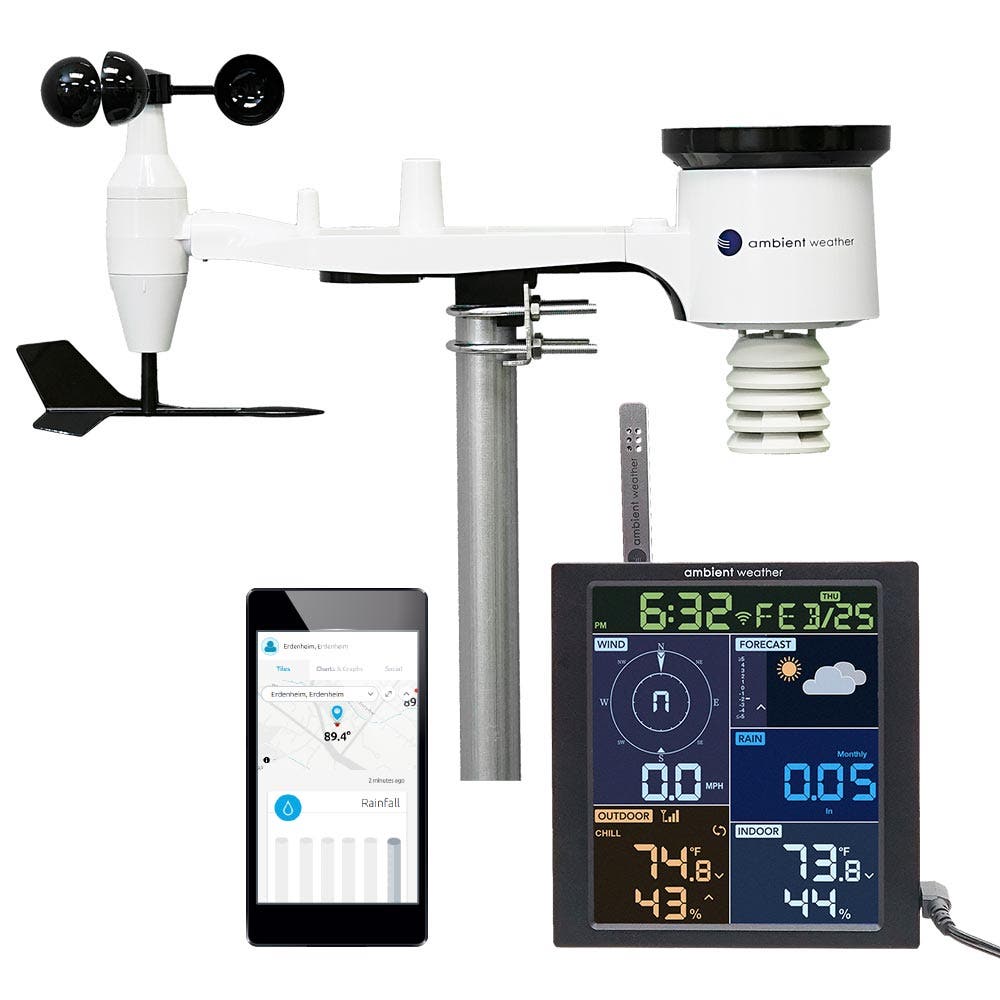
Best if you already own Ambient: WS-2902 or WS-5000 — Home Assistant works well via AmbientWeather.net; local Custom Server is possible but more advanced. Not the simplest local-first choice versus Ecowitt or Tempest.
More context: Smart Weather hub, local data guide, no subscription guide.
Who this guide is for
- You want a straight answer to “What weather station should I buy for Home Assistant?”
- You care whether data stays on your LAN, needs the cloud, or requires an extra gateway.
- You are choosing between beginner-friendly kits and expandable Ecowitt gateways.
This guide compares documented Home Assistant paths and buyer trade-offs — not independent accuracy rankings.
What Home Assistant compatibility means
“Works with Home Assistant” is not one feature. In practice it usually means one of these:
- Direct local LAN access — your hub talks to Home Assistant on your network (common with Tempest; Ecowitt gateways).
- Gateway-based local integration — the outdoor sensor has no Wi‑Fi; a gateway/console provides the LAN path (Ecowitt WS90 → GW2000/GW3000).
- Cloud API integration — Home Assistant polls a vendor cloud (AmbientWeather.net; some Davis WeatherLink Cloud workflows).
Why that matters: local paths usually mean lower latency and less internet dependency; cloud paths are often easier to start but depend on vendor servers and your home uplink. Setup complexity rises as you move from turnkey cloud/API to Custom Server or WeatherLink Live LAN workflows.
Stations compared
| Product | HA difficulty | Local data | Gateway required | Ethernet | Cloud dependency | Best for |
|---|---|---|---|---|---|---|
| Ecowitt GW2001 (WS90 + GW2000) | Easier | Yes via gateway | Included in bundle | Yes (GW2000) | Optional | Start-from-scratch local HA |
| Ecowitt WS90 | Easier (with gateway) | Via gateway only | Yes | On gateway, not on WS90 | Optional | Expanding an existing Ecowitt hub |
| Ecowitt GW3000 | Intermediate | Yes | Gateway itself; outdoor sensors separate | Yes | Optional | Larger systems + wired LAN |
| Tempest | Easier–intermediate | Yes (UDP / WebSocket) | Wi‑Fi Hub included | Not claimed on retail hub | Optional for core/local | All-in-one smart station |
| Ambient WS-2902 | Easy (cloud) / advanced (local) | Custom Server (advanced) | Console included | No (standard console) | Default path is cloud | Console + Ambient ecosystem |
| Ambient WS-5000 | Easy (cloud) / advanced (local) | Custom Server (advanced) | Console included | No — standard console is Wi‑Fi | Default path is cloud | Premium Ambient console buyers |
| Davis Vantage Vue 6242 | Intermediate–advanced | Mixed; local UDP often via WeatherLink Live | WeatherLink Console included | WeatherLink Live (separate) when used | Cloud via console is common | Premium Davis console kit |
Brand head-to-head: Ecowitt vs Ambient Weather. Packaged console versus a WS90 plus gateway: WS90 + gateway vs Ambient WS-1965.
Local-first vs cloud-oriented
Local-first (typical buyer path):
- Ecowitt GW2000 / GW3000 gateways with WS90 or other Ecowitt outdoor sensors — Home Assistant talks to the gateway on your LAN.
- Tempest — included Wi‑Fi Hub with documented local UDP / WebSocket consumption.
Cloud-oriented or mixed:
- Ambient WS-2902 / WS-5000 — strongest out-of-box HA path is AmbientWeather.net; Custom Server local push is firmware/SKU-dependent and more hands-on.
- Davis Vantage Vue 6242 — WeatherLink Console commonly uses WeatherLink Cloud for remote/app workflows; a local Home Assistant path is often more advanced and may require WeatherLink Live for UDP on the LAN. Verify current Davis and integration docs for your exact setup.
Absolute “always offline” claims are risky — many buyers still enable cloud backups. Judge each product by its default path and how hard local HA is to keep running.
Ecowitt for Home Assistant
WS90 outdoor sensor
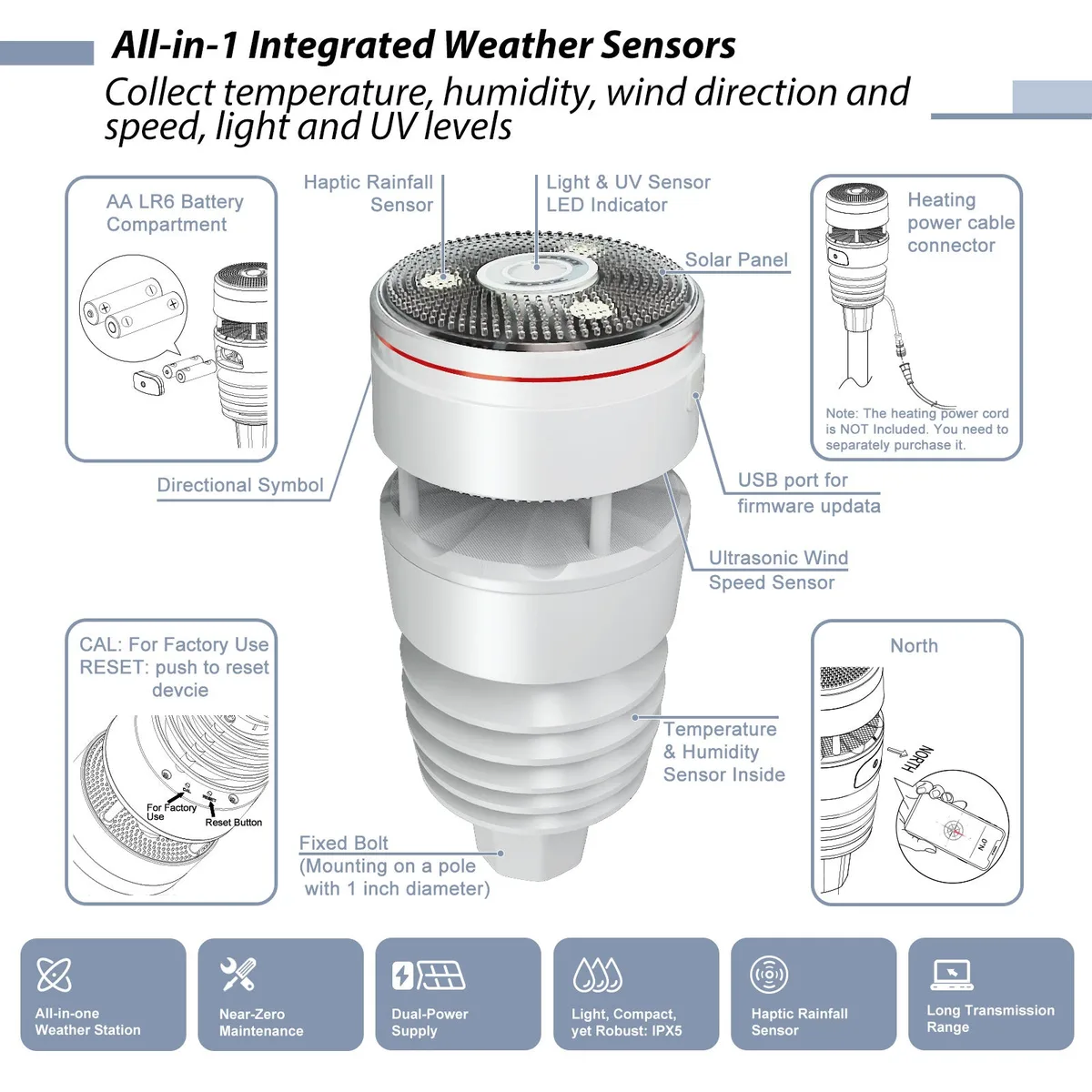
The Ecowitt WS90 measures outdoor weather but has no Wi‑Fi, Ethernet, or LAN API of its own. Home Assistant access comes from a compatible Ecowitt gateway or console.
GW2001 (WS90 + GW2000)
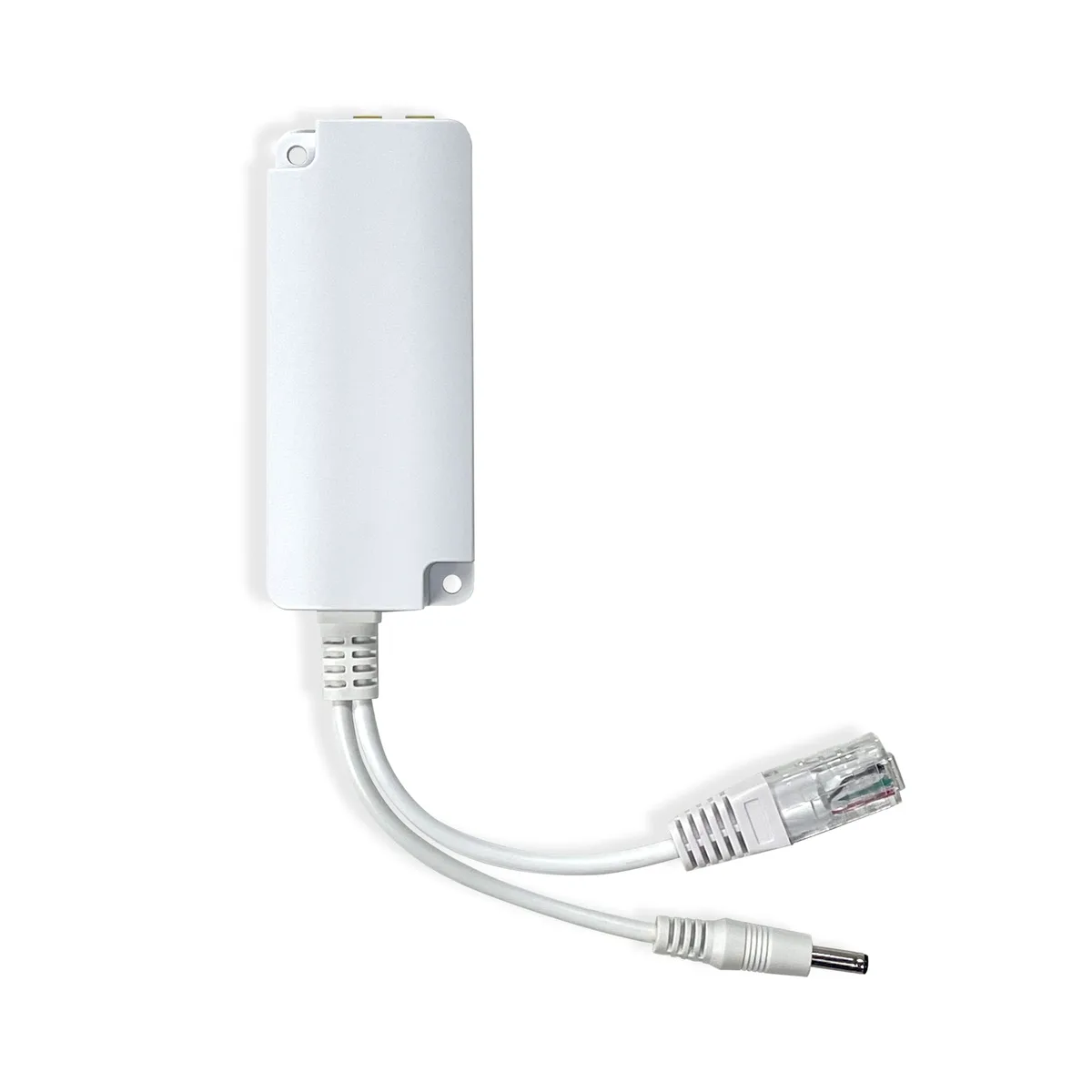
The GW2001 commercial bundle includes the WS90 plus GW2000 gateway — the practical start-from-scratch Ecowitt kit for Home Assistant, with Wi‑Fi and Ethernet on the gateway.
GW3000
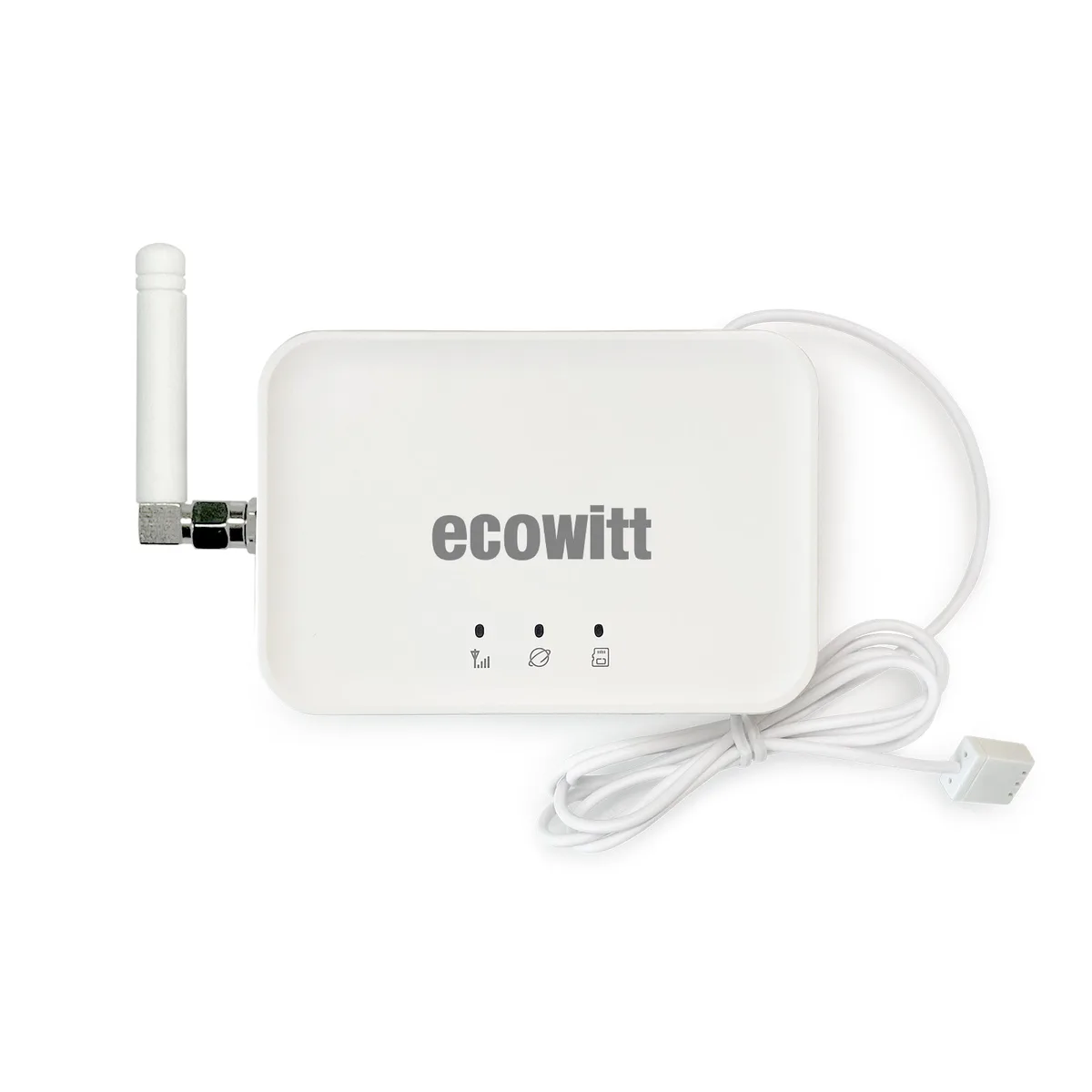
The GW3000 is gateway-only: Wi‑Fi + Ethernet, local storage options, outdoor sensors sold separately. Local Home Assistant protocols run through the gateway. Do not treat MQTT as a native GW3000 buying criterion.
Integration options (documented): Ecowitt’s official Home Assistant integration (local HTTP API) and Home Assistant’s built-in Ecowitt integration (local push). Confirm your gateway model on the current compatibility tables.
Gateway deep dive: Ecowitt GW2000 vs GW3000.
Tempest WeatherFlow
Tempest includes the outdoor sensor and a Wi‑Fi Hub. It documents local UDP and WebSocket APIs used by many Home Assistant setups. There is no physical display console. Core local use does not require a paid subscription. Atmosiva does not claim Ethernet on the retail hub — confirm ports on your unit if you need wired LAN.
Best when you want one outdoor unit, an included hub, and a documented local smart-home path with less modular expansion than Ecowitt.
Ambient Weather
WS-2902 and WS-5000 are primarily cloud-oriented for Home Assistant via AmbientWeather.net — still a valid and widely used path.
Local Custom Server push can feed Home Assistant on your LAN, but it is more advanced and firmware/SKU-dependent. Do not treat Ambient as “unsupported” — treat it as a console-first ecosystem that is less turnkey for local-first HA than Ecowitt or Tempest.
Networking note: the standard WS-5000 console is Wi‑Fi. Ethernet is not a documented feature of the standard console — do not assume an Ethernet port on WS-5000 hardware.
Davis Vantage Vue 6242
Current Atmosiva product focus is the Davis Vantage Vue 6242 kit with the modern WeatherLink Console (not the older classic 6250 LCD console package).
Buyer expectations for Home Assistant:
- Console viewing and WeatherLink Cloud are the straightforward connected experience.
- A local HA path is typically more advanced than Ecowitt/Tempest and may still rely on WeatherLink Live for LAN UDP workflows when that is what your integration requires.
- Durable integrated outdoor suite; less modular expansion than Ecowitt add-on sensors.
How integrations work (deeper)
Skip this section if you only need a buying recommendation. Weather stations rarely speak Home Assistant natively — a gateway or console sits in the middle:
- Local push (HTTP webhook) — device pushes to Home Assistant (built-in Ecowitt; Ambient Custom Server with community receivers).
- Local pull (HTTP API) — Home Assistant polls the gateway IP (Ecowitt official HACS-style local API).
- Local broadcast (UDP) — hub/console broadcasts on the LAN (Tempest; Davis WeatherLink Live).
- Cloud API — Home Assistant polls AmbientWeather.net or WeatherLink Cloud.
MQTT is not required for these mainstream paths. If you already run MQTT elsewhere, community bridges may exist — treat that as advanced, not as a product checkbox for WS90/GW3000.
Buyer checklist
- Decide if you need local LAN entities or cloud polling is acceptable.
- Prefer beginner kits (GW2001, Tempest) vs gateway-only expansion (GW3000 + sensors).
- If Wi‑Fi is weak where the hub lives, prioritize Ethernet hubs — Ethernet guide.
- Confirm HTTP reachability for Ecowitt local push if your Home Assistant is HTTPS-only.
- Match RF region (e.g. 915 MHz US) across sensors and gateways.
- Re-check current Home Assistant and manufacturer docs before purchase — integrations change across releases.
FAQs
See frontmatter FAQs above for structured answers. Always re-check Home Assistant and manufacturer documentation before purchase.