

Quick answer
This guide answers: what weather station can I use without paying a recurring subscription for core functionality?
It is not a Home Assistant, Local Data, or Ethernet buying guide — those are separate. Overview: Smart Weather.
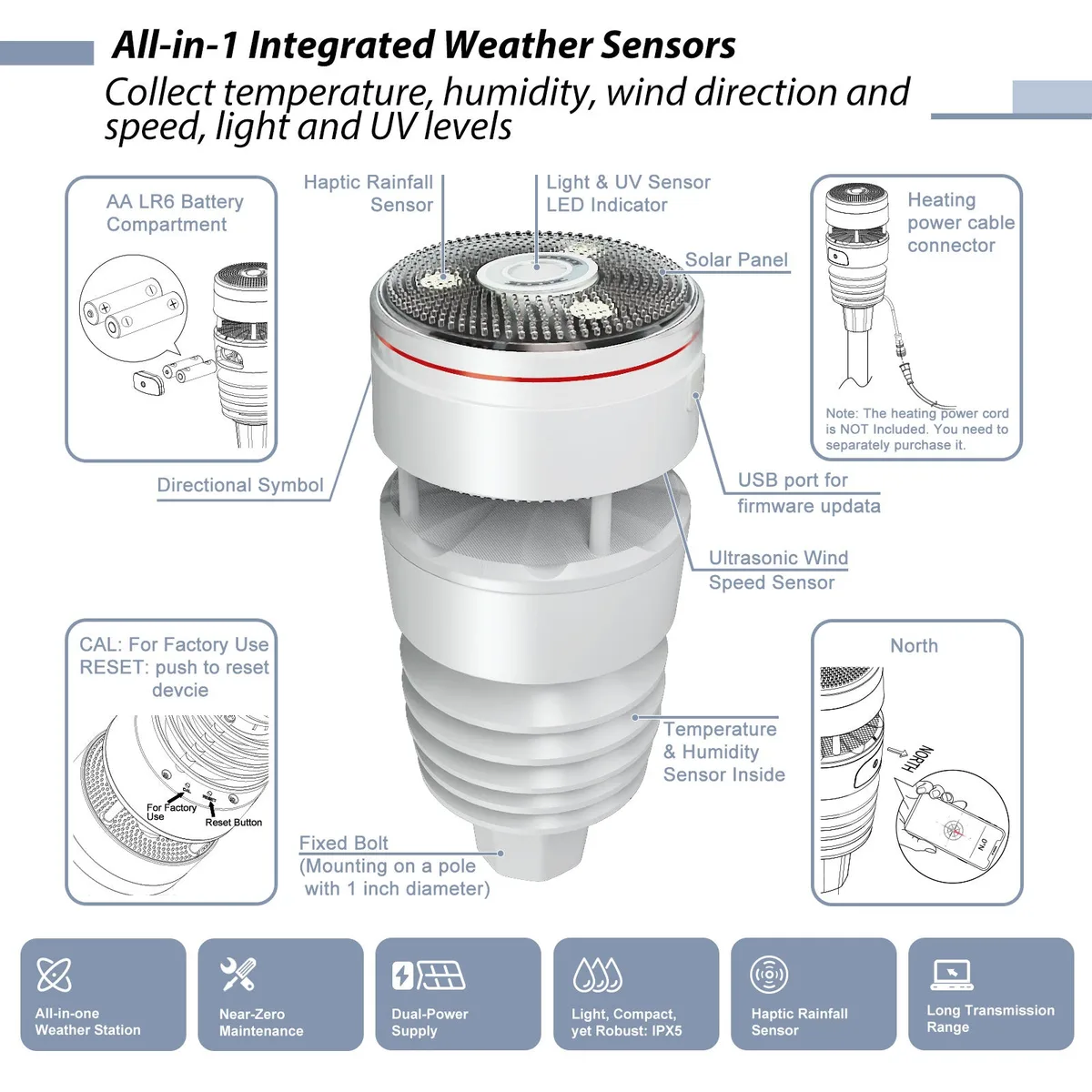
Best overall no-subscription setup: Ecowitt GW2001 (WS90 + GW2000) or WS90 with a gateway you already own — no mandatory fee for core local/cloud weather use.
Best all-in-one: Tempest — included Wi‑Fi Hub; core use without a mandatory subscription; optional cloud assists such as RainCheck / NC Rain.
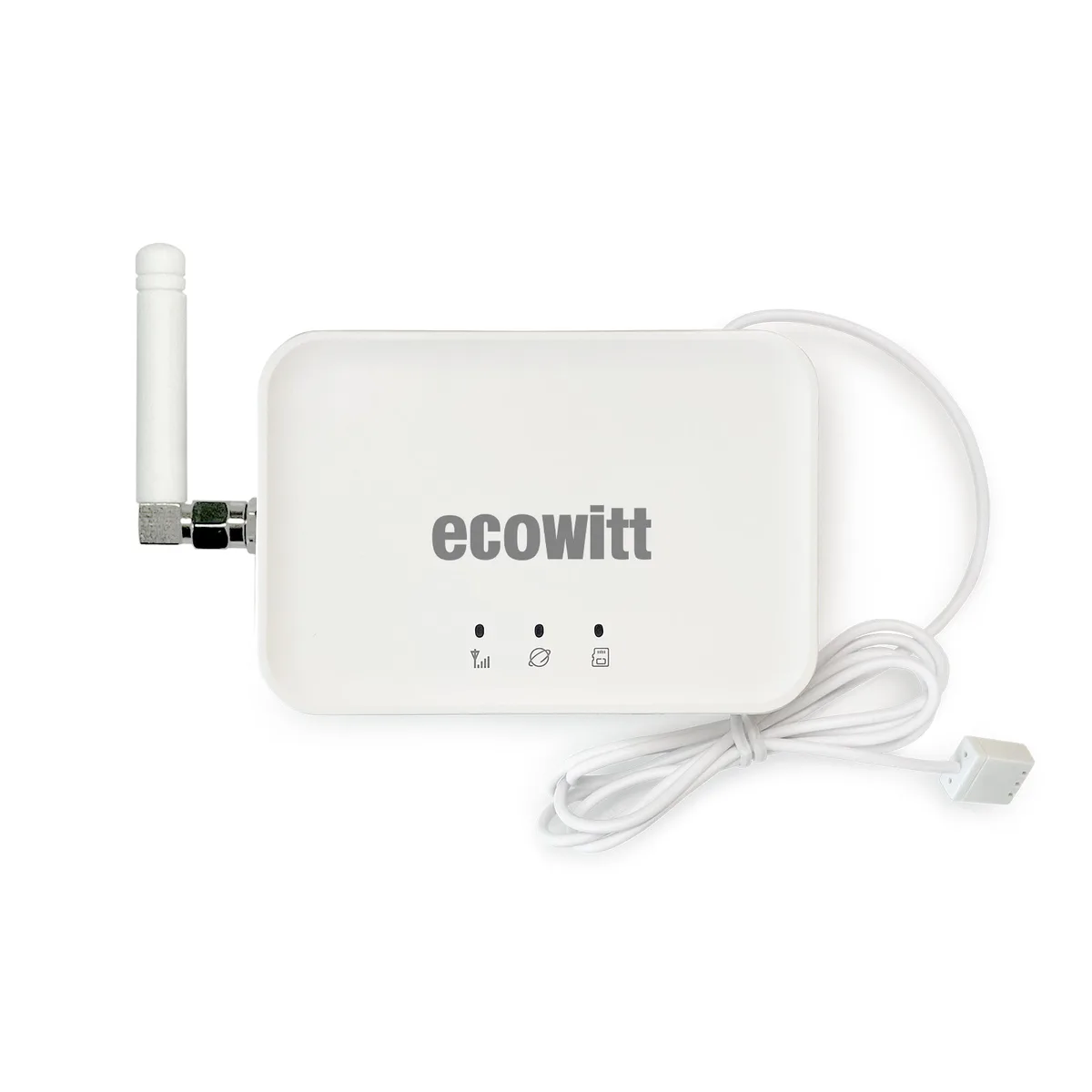
Best expandable ecosystem: Ecowitt GW3000 + sensors (gateway-only) — compare GW2000 vs GW3000.
Best premium traditional station: Davis Vantage Vue 6242 — WeatherLink Console included; core use without a mandatory monthly lock; optional WeatherLink services may exist.
Best for Ambient Weather owners: WS-2902, WS-2000, or WS-5000 — hardware works without AWN+; AWN+ Amazon bundles are optional commercial offers.
This is editorial compatibility guidance, not pricing or legal advice — verify current manufacturer terms before purchase.
Who this guide is for
- You want predictable ownership cost — buy hardware once for core outdoor monitoring.
- You refuse a monthly fee just to keep using the station’s basic readings.
- You want to understand optional premium cloud tools without confusing them with mandatory subscriptions.
Home Assistant users may prefer systems with local data, but HA compatibility is not what determines whether a subscription is required — see the Home Assistant guide only if that is your buying question.
What “without subscription” means
| Concept | Buyer meaning |
|---|---|
| No mandatory subscription | Core station operation does not stop without monthly payment |
| Optional paid services | Extra cloud history, analytics, alerts, sharing, or premium tools may exist |
| Cloud features | Phone apps, remote dashboards, or assists may use the internet |
| Cloud ≠ subscription | Some cloud features are free-tier or account-based; others are optional paid |
“No subscription required” does not mean “no cloud.” Remote access, advanced alerts, and premium services vary by manufacturer. Local data can further reduce cloud dependence — see local data — but that is a separate decision from monthly fees.
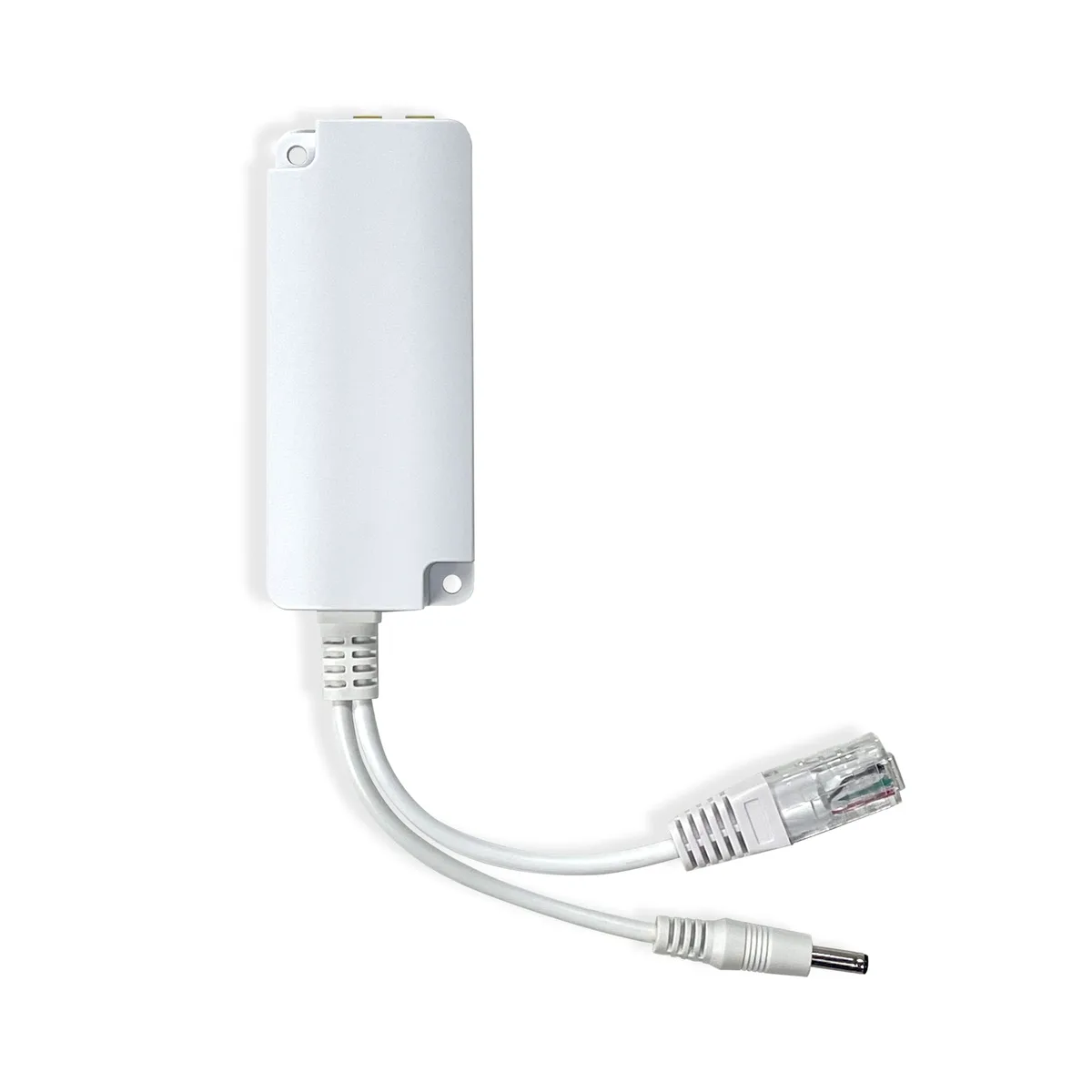
Ethernet is also separate: wired hubs are about network transport, not subscription policy — Ethernet guide.
Stations compared
| Product / Setup | Subscription required for core use? | Optional paid services? | Cloud features | Local data | Gateway included? | Best for |
|---|---|---|---|---|---|---|
| GW2001 | No | Uncommon / optional remote extras | Optional uploads | Via GW2000 | Yes | Start-from-scratch Ecowitt |
| WS90 + gateway | No | Same as gateway ecosystem | Optional | Via gateway | No (sensor only) | Expanding Ecowitt |
| GW3000 | No | Uncommon / optional remote extras | Optional | Yes | Gateway itself | Expandable hub |
| Tempest | No | Optional / partner extras may exist | App + optional RainCheck / NC Rain | Yes (UDP / WebSocket) | Hub included | All-in-one smart |
| Davis Vantage Vue 6242 | No | Possible WeatherLink optional tiers — verify | WeatherLink Cloud common | Mixed; WLL for some LAN paths | Console included | Premium traditional |
| Ambient WS-2902 | No | AWN+ optional | AmbientWeather.net | Advanced Custom Server | Console included | Ambient console buyers |
| Ambient WS-2000 | No | AWN+ optional (some Amazon bundles) | AmbientWeather.net | Advanced Custom Server | Console included | Advanced Ambient console |
| Ambient WS-5000 | No | AWN+ optional (some Amazon bundles) | AmbientWeather.net | Advanced Custom Server | Console included | Premium Ambient |
Brand overview: Ecowitt vs Ambient.
Ecowitt
Ecowitt does not require a mandatory subscription for core local weather use or typical optional cloud uploads. Sensors such as the WS90 need a compatible gateway; the GW2001 includes GW2000 + WS90, while the GW3000 is gateway-only.
Do not treat MQTT as a subscription or buying requirement for these products.
Tempest / WeatherFlow
Tempest includes a Wi‑Fi Hub. Core station use does not require a mandatory subscription. Local UDP/WebSocket access is documented. App and cloud features are available; RainCheck / NC Rain is a cloud-assisted rain enhancement — useful when available, not the same as a paid lock that stops the station. Partner and integration availability can change — verify current WeatherFlow terms.
Davis Vantage Vue 6242
The Davis Vantage Vue 6242 includes the modern WeatherLink Console. Core measuring and console viewing do not require a mandatory monthly subscription. The WeatherLink ecosystem may offer optional account/cloud service features — Atmosiva does not oversimplify those tiers; check Davis for current details. Local LAN workflows can involve WeatherLink Live depending on setup.
Ambient Weather
Ambient hardware does not require AWN+ (or any mandatory subscription) for core console use. AmbientWeather.net basic remote viewing should not be misrepresented as paid-only. AWN+ is Ambient’s optional enhanced Network Plus tier (dashboard, alerts, sharing, and similar extras — terms change).
Amazon listings for WS-2000 and WS-5000 (and sometimes WS-2902) may include 1 year of AWN+ as a commercial bundle. That is an optional subscription offer packaged with the same hardware family — not required to operate the station after purchase.
Buyer checklist
- Separate core monitoring from optional premium cloud before comparing price.
- On Ambient, prefer standard hardware ASINs if you do not want an AWN+ intro offer.
- Prefer local LAN paths if you want fewer cloud dependencies — local data.
- Do not use Ethernet or HA as a proxy for “no subscription.”
- Re-check manufacturer terms at purchase time — free tiers and paid extras change.
FAQs
See frontmatter FAQs. Subscription and cloud policies change — confirm on official sites before you buy.