

Quick answer
This guide answers: what weather station setup makes sense for a remote property, acreage, cabin, farm, or detached site? Hub overview: Extreme Weather.
It is not a Home Assistant tutorial, a pure off-grid solar guide, or a review of cellular weather terminals.
Best overall remote property setup: GW2001 (WS90 + GW2000) or WS90 plus a gateway — place the gateway closer to the array, use Ethernet + Wi‑Fi on the hub, then feed the house LAN. Details: Ethernet and local data.
Best with Ethernet: Ecowitt GW2000 (in GW2001) or GW3000 — wired LAN when barn-to-house cable exists.
Best with local storage: GW3000 (microSD logging option) when you want gateway-side local history in addition to LAN paths.
Best all-in-one: Tempest — outdoor unit + included Wi‑Fi Hub (no Ethernet claim); confirm Hub↔router Wi‑Fi before buying.
Best premium traditional system: Davis Vantage Vue 6242 with WeatherLink Console; add WeatherLink Live when you need a documented local UDP / Ethernet bridge path.
Atmosiva does not review satellite or cellular PWS kits as consumer “off-grid” solutions here.
Who this guide is for
- Acreage, hobby farms, cabins, and detached shops where sensors sit far from the house.
- Buyers planning gateway location, RF reach, and whether local logging matters when ISP service is weak.
- Owners who want remote monitoring without assuming the station works without power or network.
Connectivity deep-dives: Smart Weather. Subscription-free core readings: without subscription.
What “remote property” means
Remote does not automatically mean:
- Off-grid
- Cellular or satellite-connected
- Battery-only whole-system operation
A remote-property setup can still depend on mains power, Wi‑Fi, Ethernet, a router, and internet. This guide focuses on remote-property monitoring, network-resilient layouts, and reduced cloud dependence — not autonomous off-grid weather stations.
Sensor power vs hub power
A solar-powered outdoor sensor does not make the complete system off-grid.
Differentiate:
| Layer | Typical reality |
|---|---|
| Outdoor sensor | Often solar + battery backup (WS90, Tempest outdoor unit, Davis ISS, Ambient outdoor sensors) |
| Gateway / hub | Usually USB/AC or always-on Wi‑Fi Hub (Ecowitt GW, Tempest Hub) |
| Console | AC (Ambient, Davis WeatherLink Console) |
| Router / network | Mains (or your own UPS) |
| Internet | ISP uplink for cloud apps and many phone views |
If the hub, console, or router loses power, field sensors may still collect data while LAN and remote access stop.
Setups compared
| Product / Setup | Sensor-to-hub range | Wi‑Fi | Ethernet | Local logging | Remote access path | Power caveat | Best for |
|---|---|---|---|---|---|---|---|
| GW2001 (WS90 + GW2000) | ~150 m LOS RF (open field; obstacles reduce) | Yes (gateway) | Yes (gateway) | Via LAN / integrations | Ecowitt.net / LAN apps | Gateway needs power | Start-from-scratch remote field |
| WS90 + gateway | ~150 m LOS RF (qualify) | Via gateway | Via gateway | Via gateway | Via gateway | Sensor solar+backup; gateway powered | Expand existing Ecowitt hub |
| GW3000 | Via paired sensors | Yes | Yes | microSD + LAN paths | Via gateway / cloud | Gateway-only needs power | Local storage + Ethernet |
| Tempest | Sub-GHz sensor→Hub (verify site) | Hub Wi‑Fi | No claim | Local UDP/WebSocket | App / cloud + local LAN consumers | Hub needs power + Wi‑Fi | All-in-one near usable Wi‑Fi |
| Davis Vue 6242 | FHSS ISS→console (verify Davis spec) | Console Wi‑Fi (cloud) | Via optional WeatherLink Live | Console / WLL workflows | WeatherLink Cloud; WLL for LAN UDP | Console AC; ISS solar | Premium traditional Davis |
| Ambient WS-5000 | 915 MHz to console (verify Ambient) | Yes (standard console) | No on standard console | Advanced / Custom Server | AmbientWeather.net | Console AC; sensors solar | Premium Ambient, Wi‑Fi remote |
Compare ecosystems: Ecowitt vs Ambient, Ecowitt vs Tempest.
Ecowitt for field + gateway
WS90
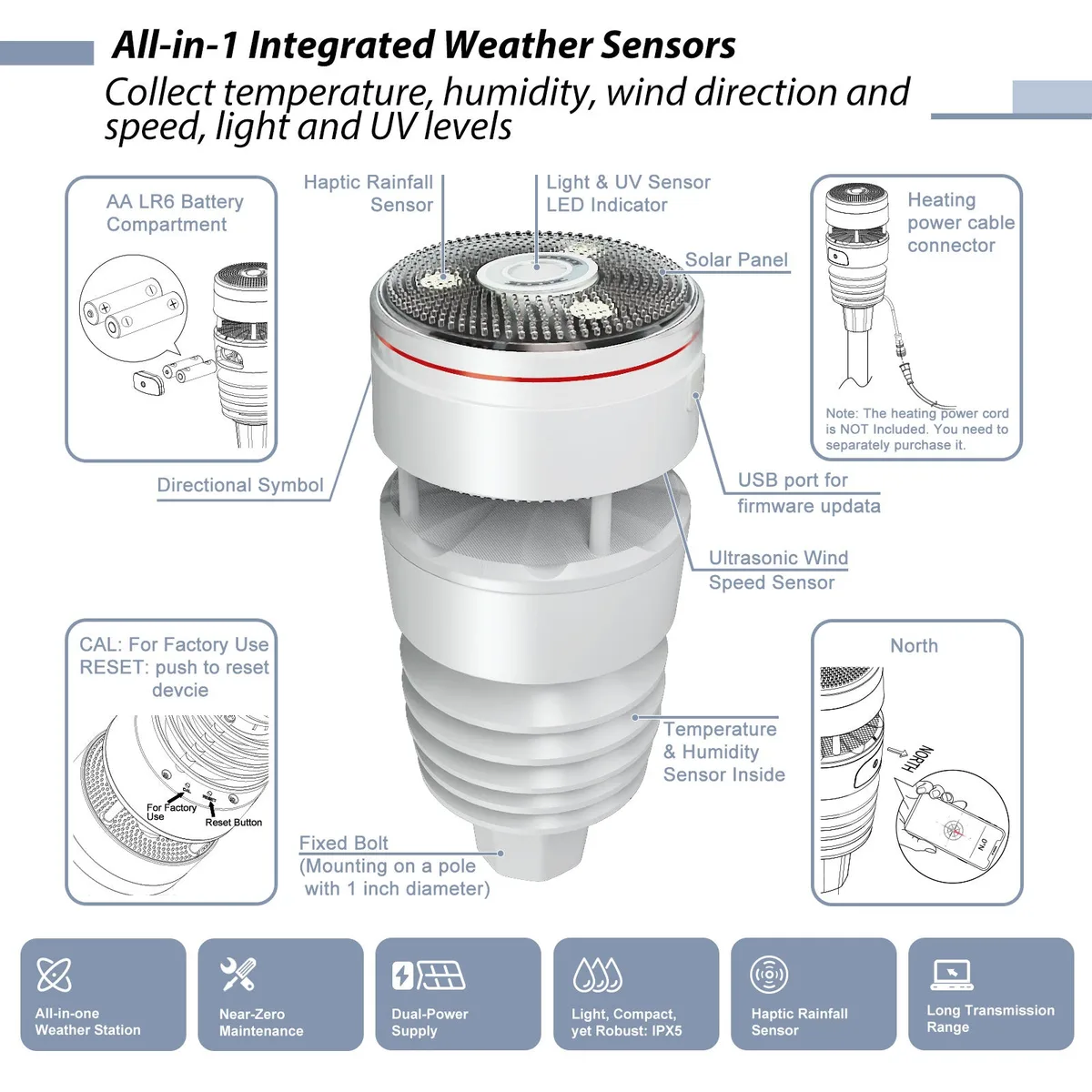
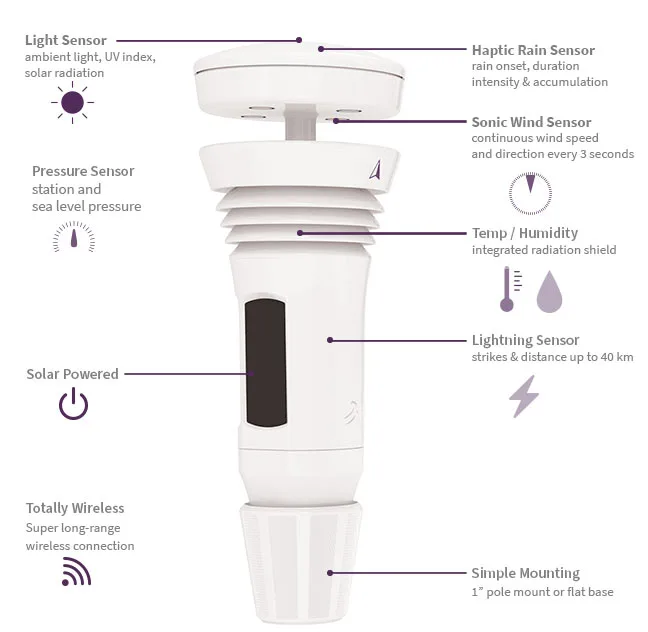
The WS90 is an outdoor array with no Wi‑Fi or Ethernet. It talks RF to a compatible gateway. Solar outdoor power with documented battery backup does not make it a standalone station.
GW2001 (WS90 + GW2000)
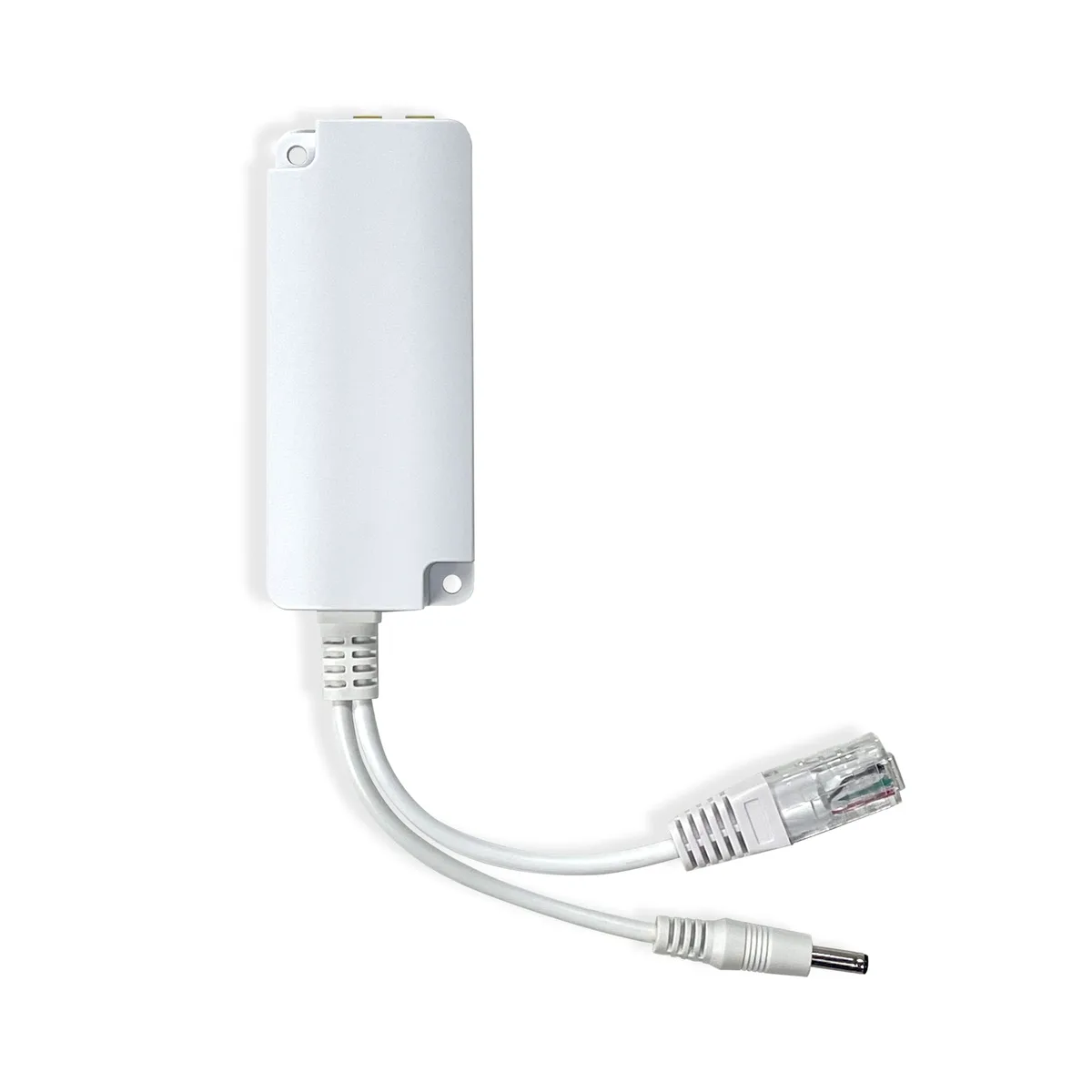
The GW2001 is a strong start-from-scratch remote setup: WS90 in the field, GW2000 with Ethernet + Wi‑Fi for the LAN. Place the gateway nearer the array when house RF is weak, then cable Ethernet toward the house network.
GW3000
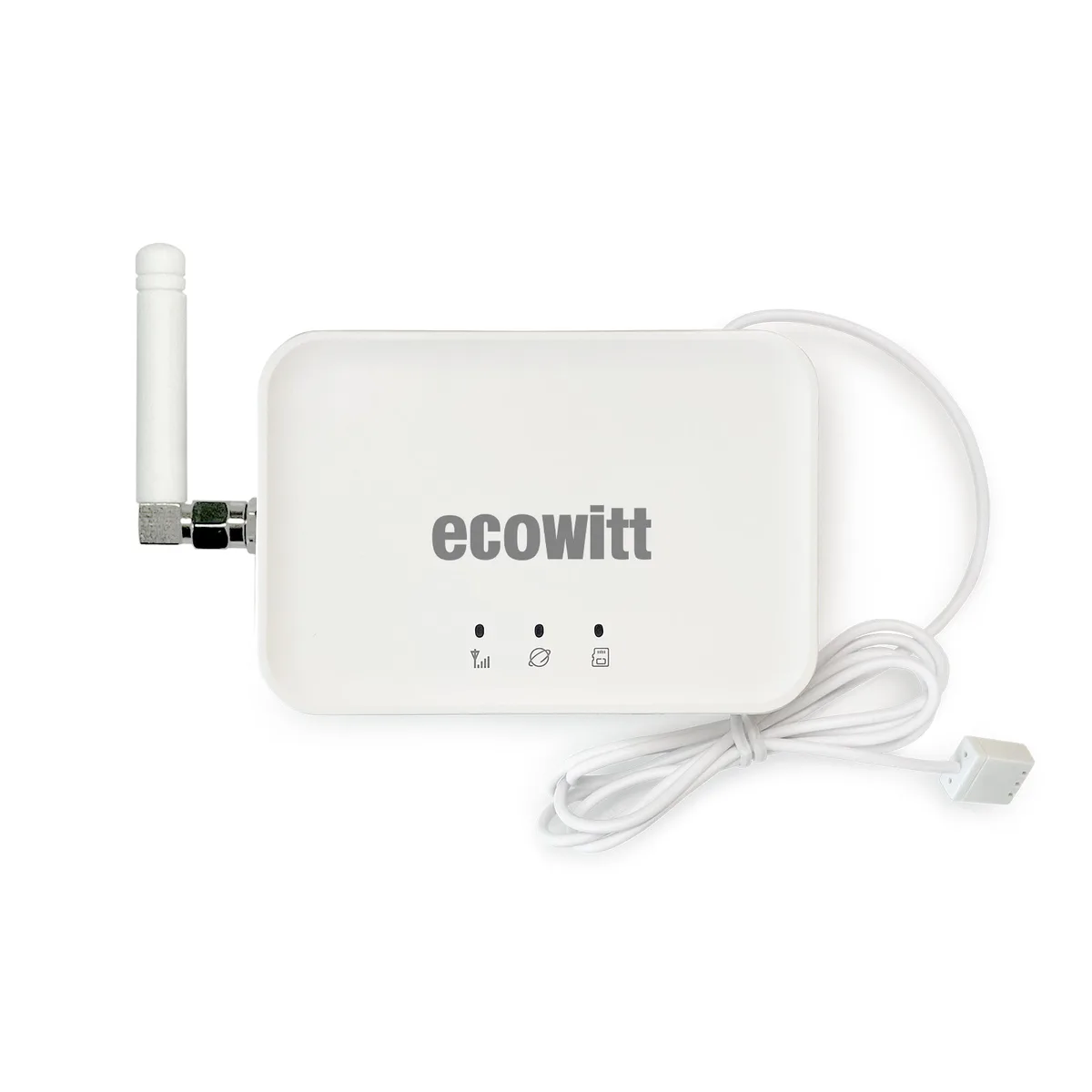
The GW3000 is gateway-only (Wi‑Fi + Ethernet, microSD local storage options). Useful when local logging matters and outdoor sensors are purchased separately.
Atmosiva does not treat native MQTT as an Ecowitt buying requirement — use gateway/local workflows instead. See Smart Weather when connectivity is the primary question.
Tempest all-in-one
Tempest pairs an all-in-one outdoor sensor with an included Wi‑Fi Hub. Documented local UDP / WebSocket paths exist for LAN consumers. Atmosiva does not claim Ethernet on the retail hub, and there are no external soil probes.
Solar on the outdoor unit does not power the Hub or your router. Confirm Hub Wi‑Fi reach to the house before committing.
Davis Vantage Vue 6242
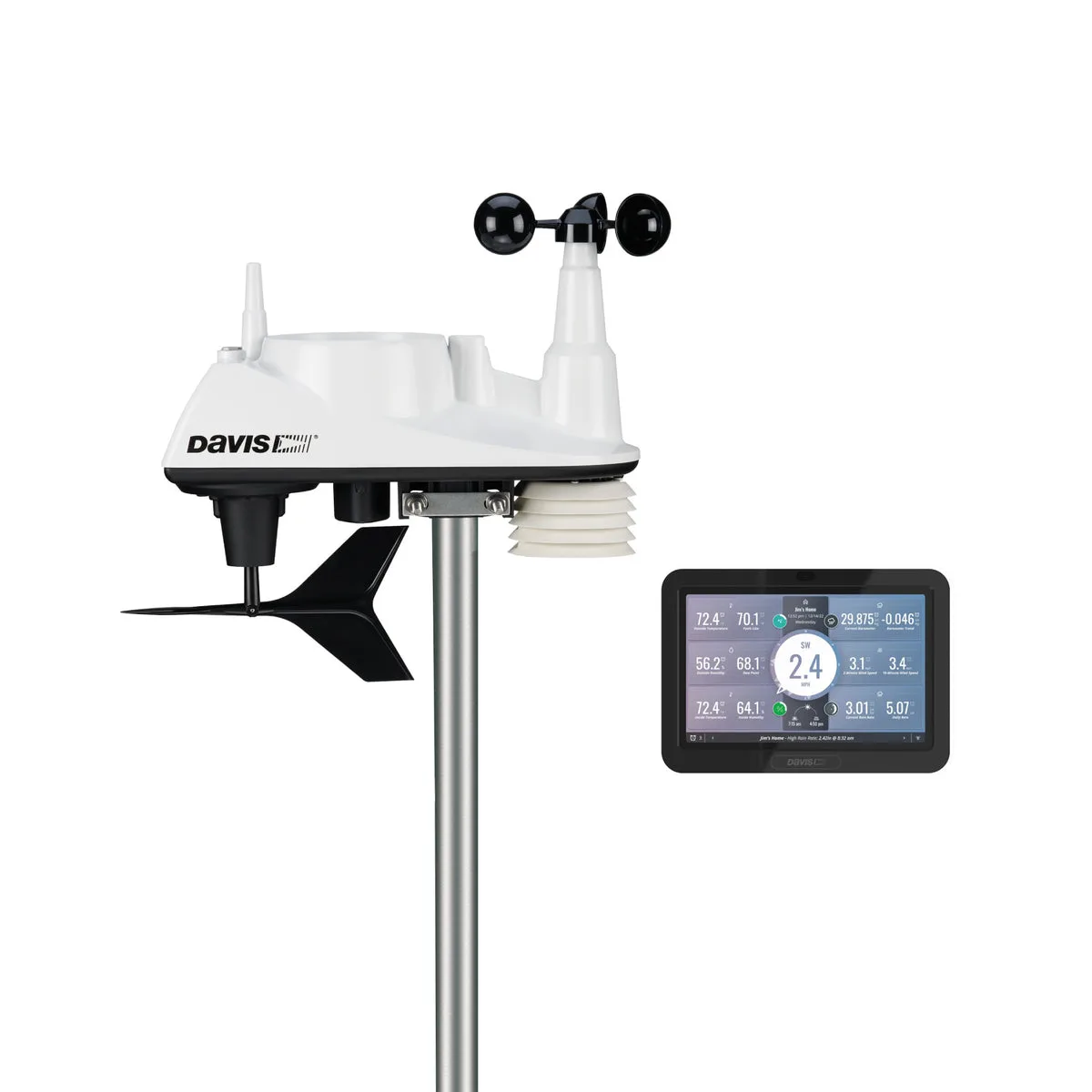
Current Atmosiva product focus is the Vantage Vue 6242 with modern WeatherLink Console — not the classic 6250 LCD package as the current primary listing.
Local vs remote workflows depend on WeatherLink hardware and services. WeatherLink Live remains the usual path when you need documented local UDP and a Wi‑Fi/Ethernet bridge. The WeatherLink Console itself is oriented to display + WeatherLink Cloud over Wi‑Fi.
Product: Davis Vantage Vue 6242.
Ambient Wi-Fi path
Ambient WS-5000 is a premium separated-sensor station. The standard console is Wi‑Fi only — no documented RJ45 Ethernet on that console. Cloud/remote monitoring runs through the Ambient ecosystem; optional Custom Server workflows are software/firmware paths, not Ethernet hardware.
If you compare a simpler Ambient kit, WS-2902 is likewise Wi‑Fi / cloud-oriented, not an Ethernet-first barn gateway.
RF range reality
Manufacturer RF figures (for example Ecowitt ~150 m line-of-sight for many sensors in open areas) are ideal open-field values. Walls, terrain, trees, and metal structures reduce range. Do not treat open-field ratings as guaranteed multi-acre coverage. Walk the site and verify before buying.
Local logging vs remote access
Local logging (for example GW3000 microSD, or LAN recording to a home server) can reduce cloud dependence during ISP outages. It does not automatically provide phone remote access — remote viewing still needs a working network path or internet uplink. More: local data guide.
Internet and power outages
During an internet outage:
- Sensors may still report to a powered gateway/hub on the LAN
- Some local data paths may continue
- Cloud dashboards and many phone views may stop
- A router or power failure can still break LAN access even if the outdoor sensor keeps running
Do not assume continuous remote monitoring through storms without UPS planning for hubs and networking gear.
Buyer checklist
- Map sensor location → gateway/console location → house router.
- Prefer Ecowitt Ethernet gateways when you can run cable from barn/shop to house.
- Survey Wi‑Fi before Tempest or Ambient Wi‑Fi-only consoles.
- Decide if you need local storage (GW3000 microSD) or only live LAN views.
- For high wind at the same site, see high winds and hurricane season.
Related reading
Start from the Extreme Weather hub, then Ethernet, local data, and no-subscription guides as needed.